Lunar Landing
— Deepening Your Understanding of the Laws of Motion Through Lander Control —
Lunar Landing
— Deepening Your Understanding of the Laws of Motion Through Lander Control —
Vector Navigator
Position Navigator
Sound
Width:700 Width:1200 To change the display size, choose a width from the link on the left.
Description :
This page is designed to help you deepen your understanding of the laws of motion using a lunar lander control simulator.
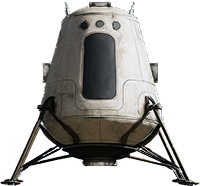
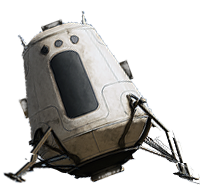
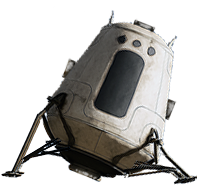
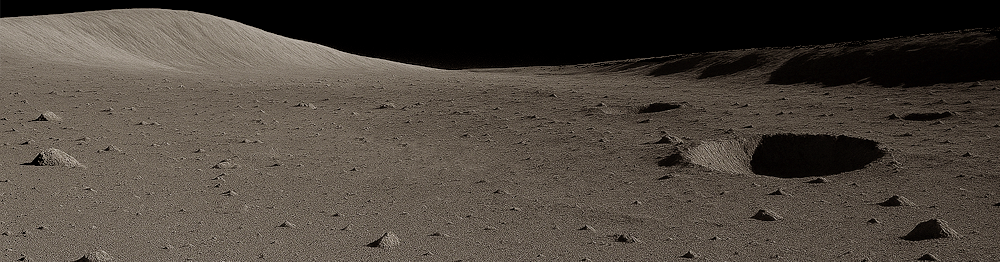
Your mission is to remotely control the lunar lander Newton and land it safely at a designated location on the Moon’s surface. Use the Controller to adjust the rocket thrust, and land the spacecraft at a safe speed within the specified area (inside the light-blue circle) before the fuel runs out. Successfully controlling the lander requires applying your understanding of the equations of motion, the law of inertia, and gravity on the Moon. If you succeed, your score will be displayed.
Good luck!
(Tip)
To keep the velocity of the Newton (both speed and direction) constant, balance the thrust force from the rockets with the gravitational force so that the net force becomes zero. As shown by the equation of motion, when the acceleration is zero, the velocity remains constant.
(Note)
In this simulator, the motion of the Newton is restricted to a two-dimensional plane on the screen, and rotational motion of the lander is not considered. Changes in the mass of the Newton due to fuel consumption are also neglected. In addition, effects such as the Moon’s rotation are ignored.
On some devices or browsers, sound may not play correctly. On Mac computers, sound may not work properly in Safari, but it has been confirmed to work correctly in Chrome.
●You can start the simulation at different difficulty levels by selecting Beginner *, Intermediate **, or Advanced ***.
●You can control the rocket thrust by moving the lever of the Controller at the bottom right with a mouse or your finger.
●The graph on the right shows the magnitude of the net force from thrust and gravity, the speed, and the remaining fuel. When the speed graph turns green, the lander can land safely.
●By checking the Vector Navigator at the bottom, the net force vector (red) and the velocity vector (blue) of the Newton are displayed to assist with control.
●By checking the Position Navigator, a landing position indicator appears, allowing you to fine-tune the landing location accurately.
●You can mute the sound by unchecking Sound. (Depending on your environment, sound may not play correctly.)
Copyright 2026 KATO, Noriyoshi